The simplest way to put a medicine reminder on iPhone is Apple Health. It includes a Medications section where you can add medicines, set schedules, and receive dose reminders. For many single-person routines, that may be enough.
Option 1: Use Apple Health
- Open the Health app on your iPhone.
- Go to Medications.
- Add your medicine name, type, and schedule.
- Turn on dose reminders and follow-up reminders if you want another alert after a missed log.
- Log the medicine as taken or skipped when the reminder appears.
Apple's own support explains that Health can send medication notifications and follow-up reminders when a scheduled medication has not been logged.
Option 2: Use a Dedicated Medicine Reminder App
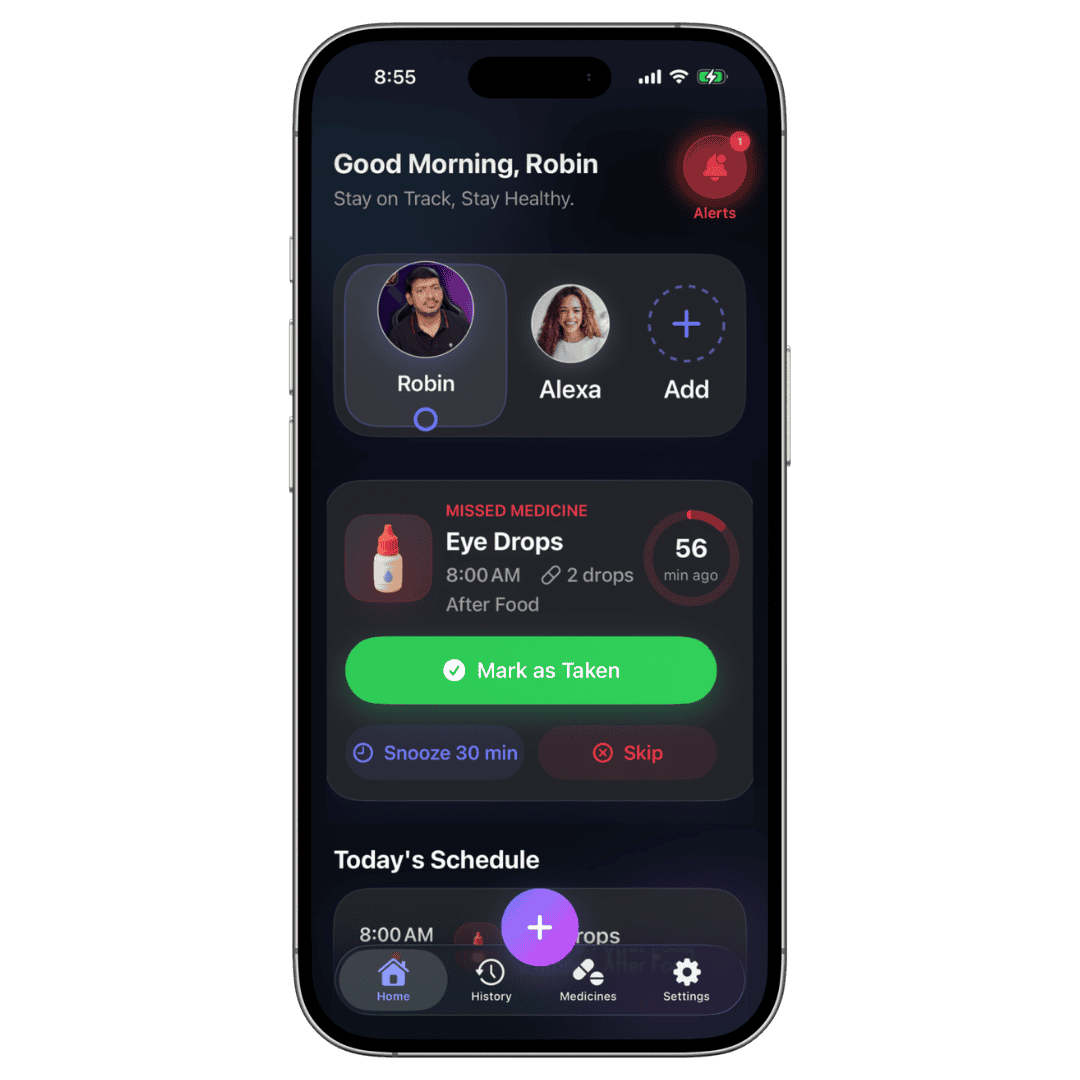
If your routine involves multiple family members, refill stock, tests, prescription pickups, or a home screen widget, a dedicated app can be easier to manage. Kevio is a medicine reminder app for iPhone built around those broader routines.
When Kevio Is a Better Fit
- You manage medicines for parents, kids, or more than one person.
- You need low-stock refill alerts before medicine runs out.
- You want to track doctor visits, blood tests, prescription pickups, and reviews.
- You prefer a private app with no account requirement.
- You want pill reminders, water tracking, and history in one place.
Bottom Line
Start with Apple Health if you only need a basic medicine reminder. Choose Kevio when your iPhone needs to handle the full care routine: reminders, family medication tracking, refills, appointments, and history.
Note: Kevio is a reminder and tracking tool. It does not provide medical advice, diagnosis, or treatment recommendations.